


The images came out perfect for my granddaughter's school project. DTF never disappoints; images are always great!


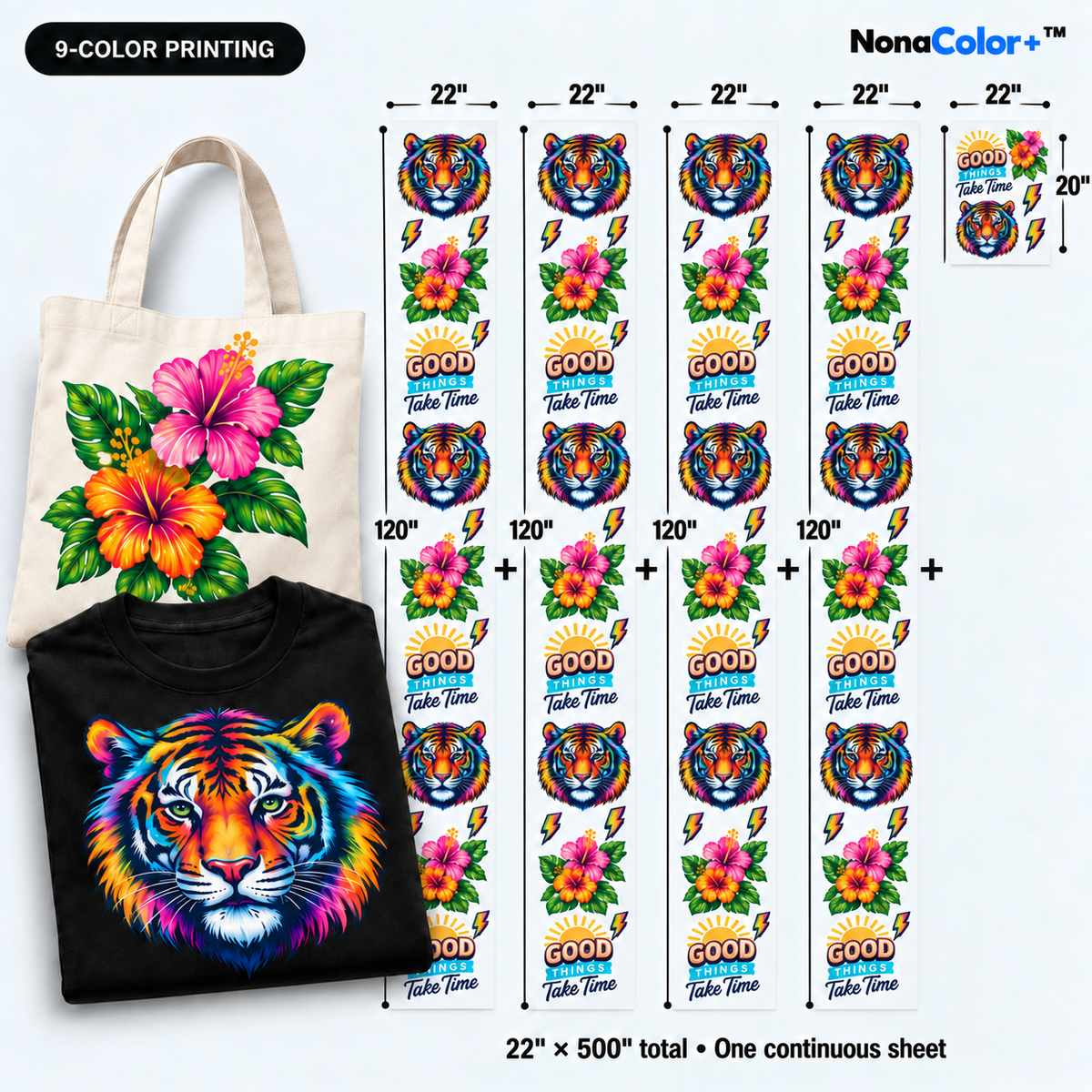
It is an online workspace for arranging multiple designs on one DTF transfer sheet. Upload individual graphics and build your print layout directly in your browser.
Your finished sheet brings the designs together for printing. Garments and heat pressing are separate from your gang sheet order.
Plan a team collection, a business uniform run, or your next merch release in one layout. Combine front graphics, back artwork, sleeve designs, and small logos to match the pieces you are preparing.
Count the required artwork for each garment before building. A simple design checklist makes it easier to catch missing copies before checkout.
Need help preparing your sheet? Contact DTFOrder before ordering.
Standard hot-peel DTF starting settings:
Remove lint, briefly pre-press the garment, and position the transfer. Press, peel hot-peel film immediately, then cover the exposed print with a suitable finishing sheet for the finishing press.
Received cold-peel film? The standard guide uses a 15-second first press at 320°F with medium pressure. Let it cool completely before peeling, then finish for 6 seconds.
Follow any different instructions supplied with your order and test your fabric before a full run.
Consistent application and gentle care help protect the finish.
Saving unpressed sheets for a later job? Read our DTF transfer storage guide.
Choose from the shipping or pickup options offered at checkout. Production starts after design approval; artwork corrections and production volume can affect timing.
Same-day shipping refers to dispatch, not same-day delivery.
Your privacy. Our process. Your next print.
Overall rating: 4.9 / 5 from 3692 reviews.
The images came out perfect for my granddaughter's school project. DTF never disappoints; images are always great!

I was shocked I had never heard of this company before upon pressing my first transfer. They are incredibly vivid, soft to the touch, and stretch without any need for ProSeal. The backs of the DTF are very substantially coated and adhere wonderfully.

Stickers came out great! Super easy and quick to use website. Order was ready for pick up quicker than anticipated.

Love love love

Great quality products!

Excellent

Nothing short of SPECTACULAR!! Be Blessed ✝️ Speak Life

Literally the best print shop!!!!!

Great job love it ya are rocking it. Awesome y’all don’t take long time. Print my order. Appreciate y’all great job. My prints.

The girls looked good in their shirts! They loved everything about them.

Love it

EXCEPTIONAL!! Be Blessed Speak Life

The prints here are always great! No complaints at all!

Awsome prints

Great

Good print quality.

Fast service

So cute- can’t wait for the pumpkin patch!!

Easy to order, fast pickup.

My go to DTF place!

Beautiful and timely prints

….

Great quality

Love colors

GREAT SERVICE GREAT PRODUCT

They come out perfect every time!! BE BLESSED SPEAK LIFE

The prints here are always great quality. This is the only shop I come to.

I love ordering in most of all. I love it that I can pick up the same day quality is great. Prince never failed me.

Printed well

I love it !! 💖💖💖💖

They are truly the best. Makes my projects look amazing!

Speedy and good quality service as always

Came out perfect for my daughter Heavenly anniversary

Loveee the speed and quality at DTF order

Super happy REPEAT customer!

Great quality!

My company loved the logo.

Love some of the new enhancements made! Took this shirt from plain text to embroidered text!!!!!

Great colors and easy press.

Had an order that got cut off but they fixed it and made it right! Great company and quality